Swipe-Based Cleaning
Review photos with intuitive swipe gestures. Keep what matters, delete what doesn't.
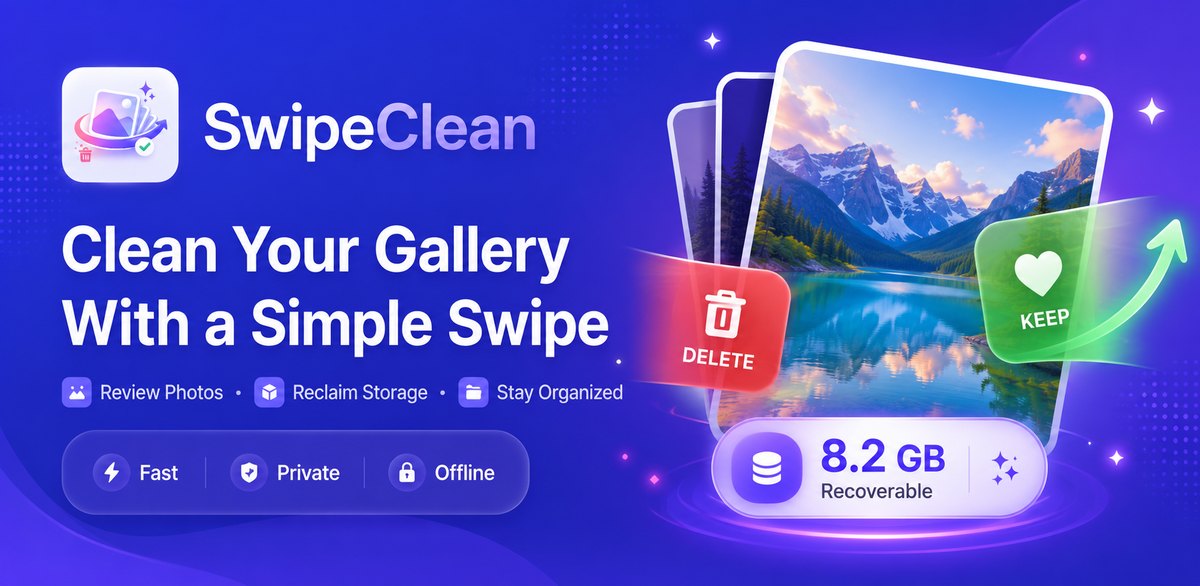
SwipeClean transforms gallery cleanup into a simple swipe experience. Keep your favorite memories, delete the rest — fast, private, and completely offline.
No complicated menus. No confusing settings. Just swipe and clean.
SwipeClean scans your entire photo library and prepares each image for your review.
Swipe right to keep, swipe left to mark for deletion. Undo anytime.
Preview every selected photo. Confirm once. Nothing is deleted automatically — ever.
Powerful tools designed for how you actually use your phone.
Review photos with intuitive swipe gestures. Keep what matters, delete what doesn't.
Every photo marked for removal lands in a review queue. You confirm; nothing is ever automatic.
Scan and categorize similar photos, screenshots, and blurry shots for rapid batch cleanup.
See exactly how much space you're recovering. Track storage reclaimed across every session.
A full log of every cleanup session so you can see your progress and total storage freed.
Comfortable viewing in any lighting with full system dark mode support built in.
Available in multiple languages so you can clean your gallery in your native language.
Changed your mind? Undo the last swipe instantly. No decision is permanent until you confirm.
SwipeClean is built with privacy as the foundation — not an afterthought. Your personal photos never leave your phone.
Smart Cleanup analyzes your entire gallery and surfaces exactly what's taking up space — so you can clean faster and smarter.
We're building the next generation of intelligent cleanup tools. Here's a preview of what's ahead.
Advanced AI groups near-duplicate photos so you can keep the best and delete the rest with one tap.
Automatically picks the sharpest, best-composed photo from a burst or rapid series.
Smarter blur analysis that distinguishes intentional creative blur from accidental camera shake.
Personalized AI-driven cleanup suggestions based on your unique photo library patterns.
These features are currently in development and not yet available. Scope and release timing are subject to change.
Every screen crafted for clarity, speed, and ease of use.
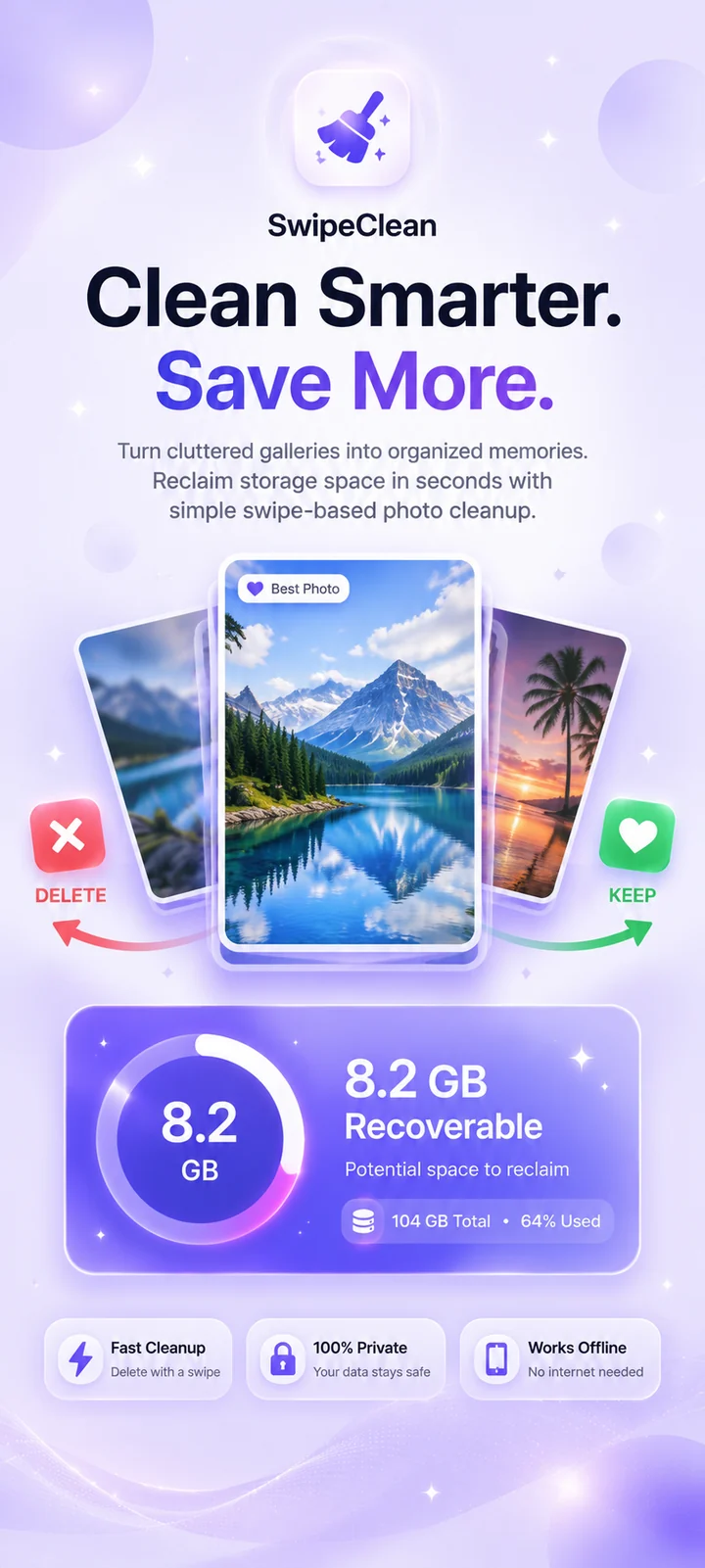
01 Splash
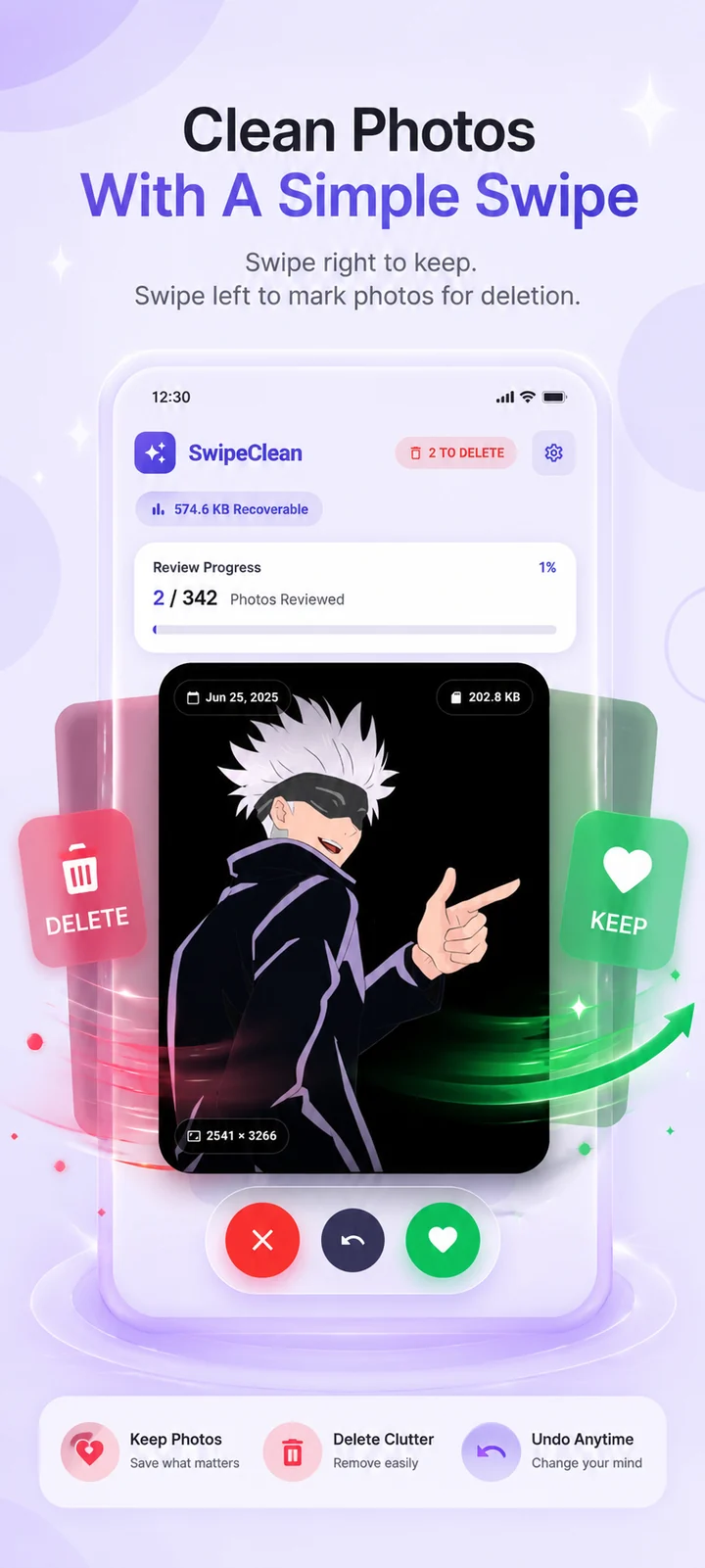
02 Swipe Cleaner
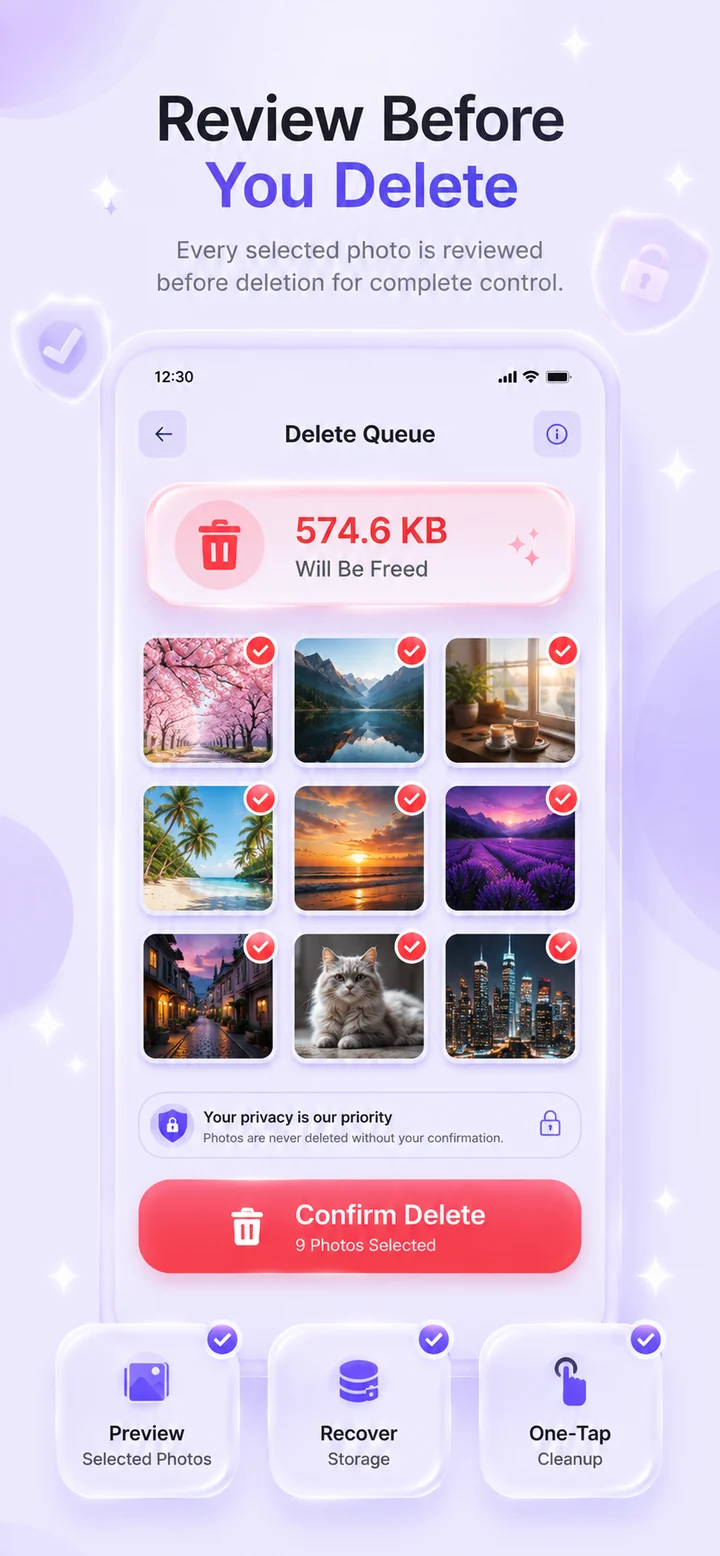
03 Review Queue
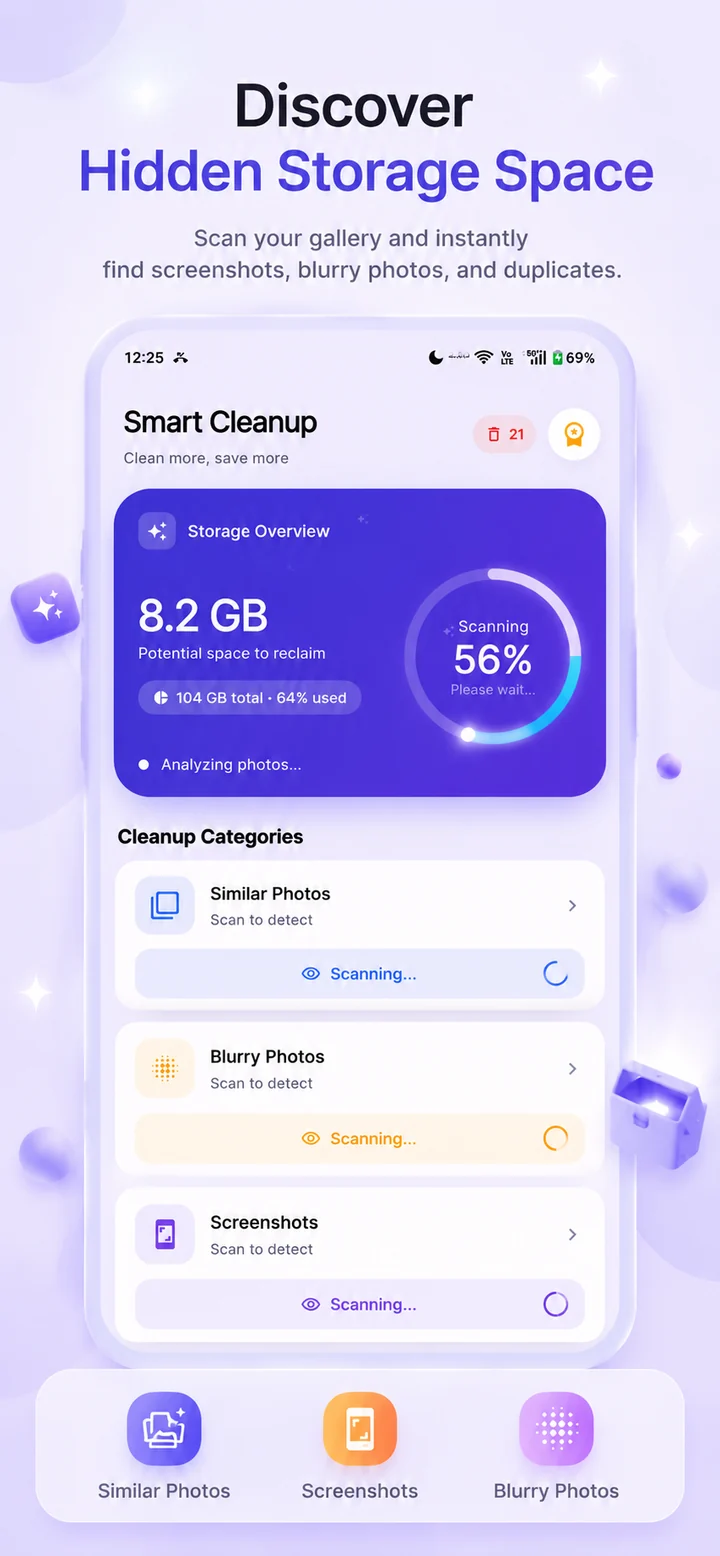
04 Smart Scan
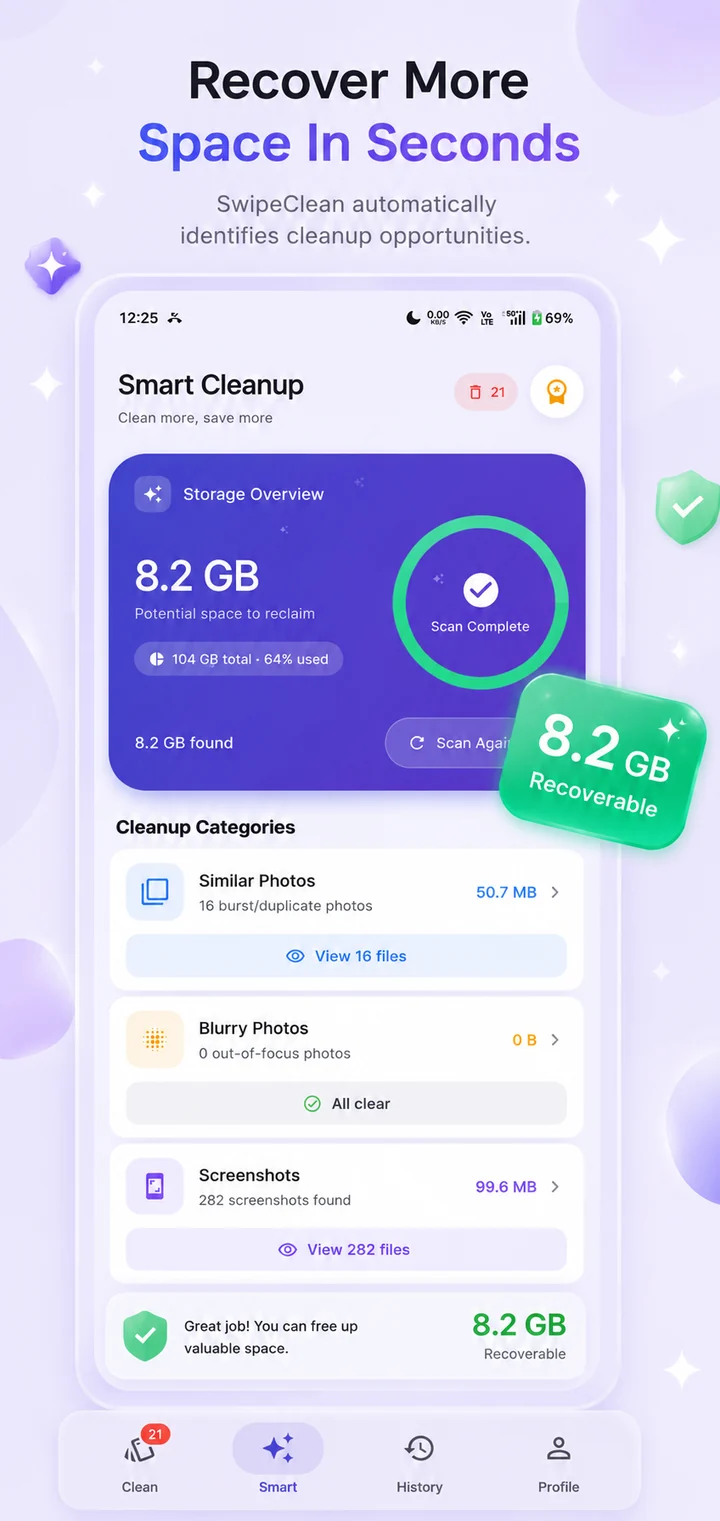
05 Scan Results
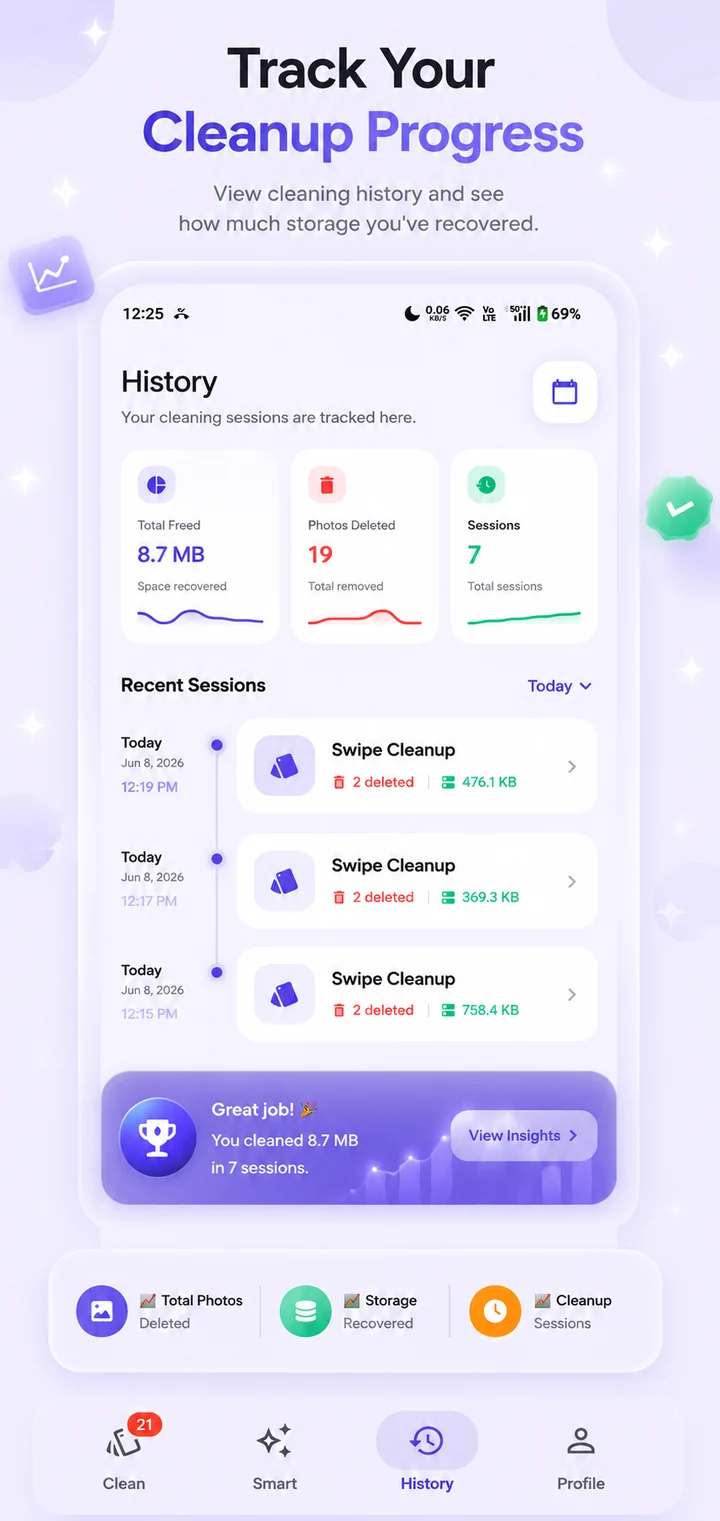
06 History
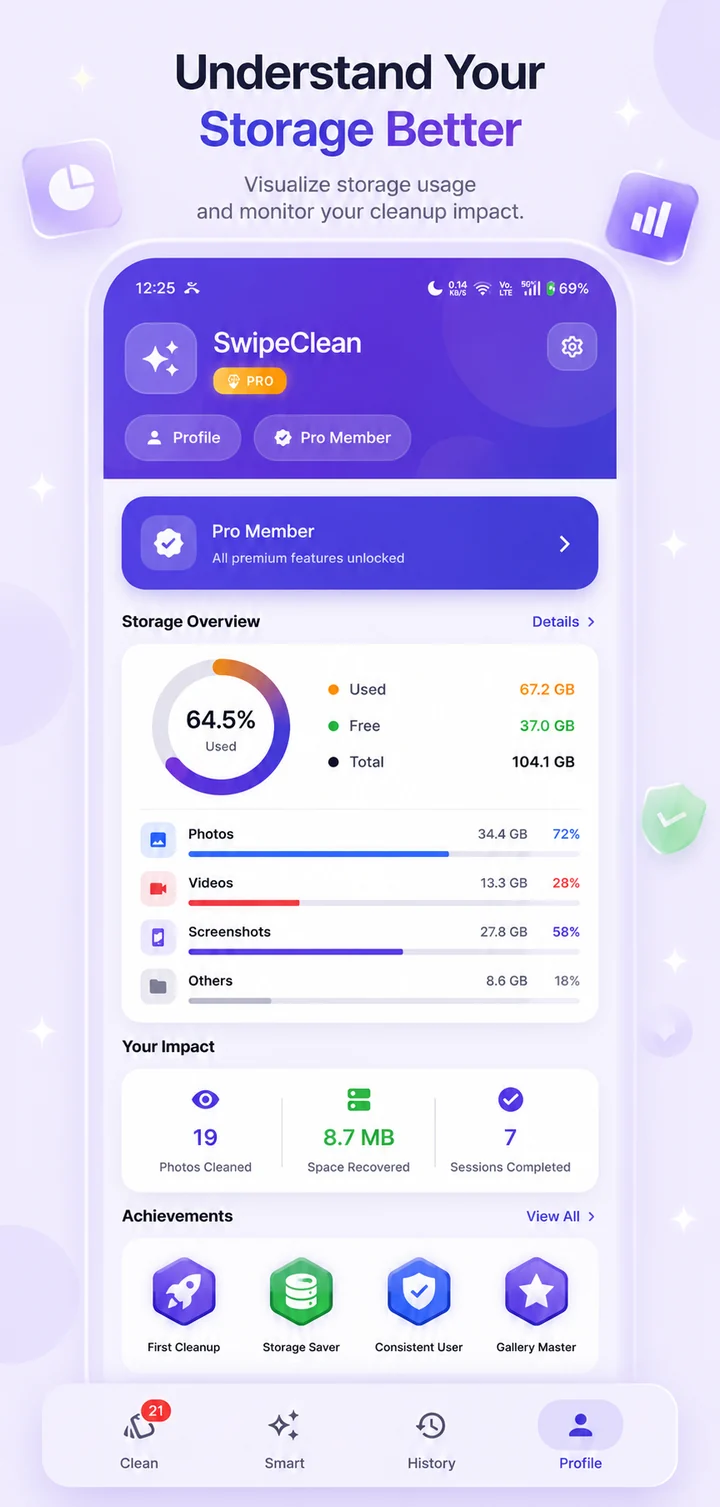
07 Profile & Analytics
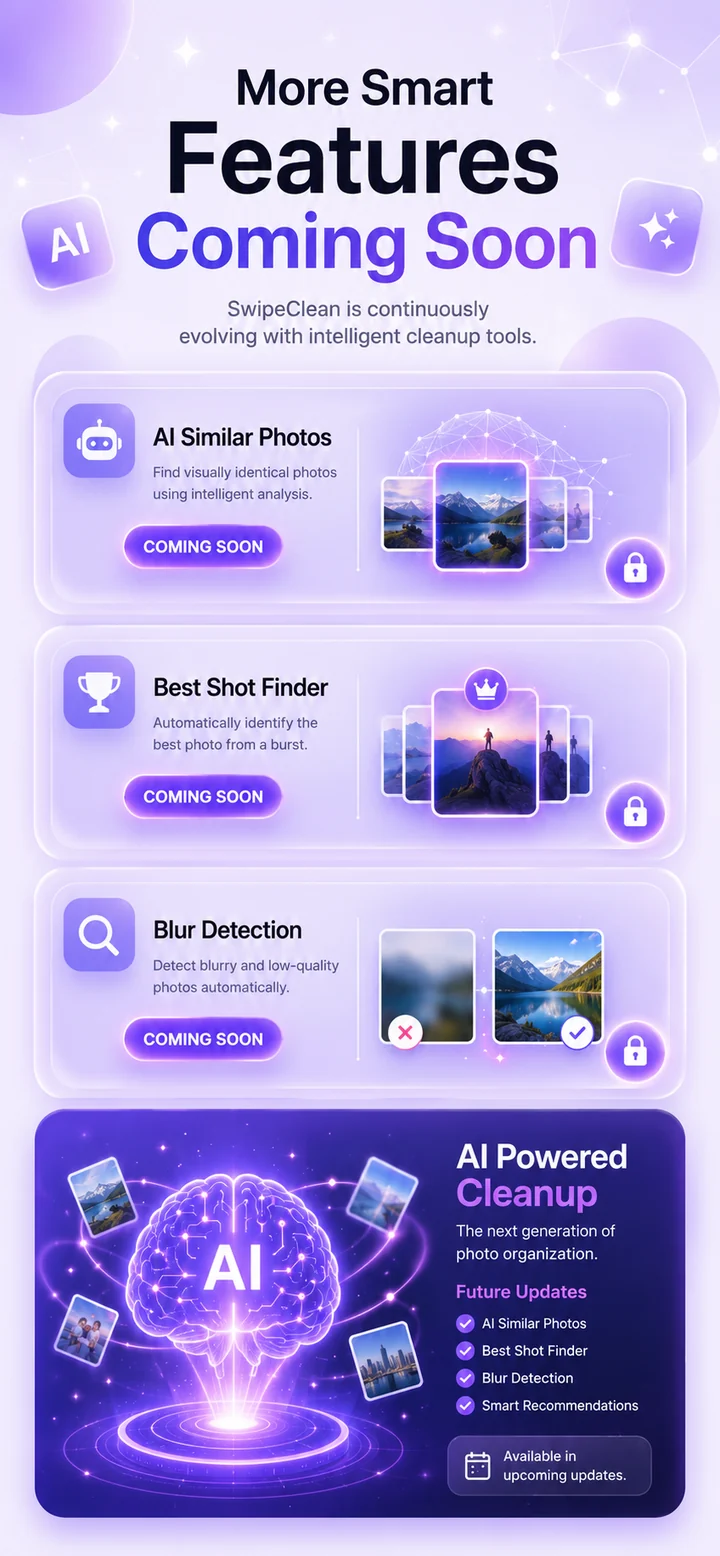
08 Coming Soon
No. SwipeClean processes everything entirely on your device. Your photos never leave your phone — there are no server uploads, no cloud processing, and no third-party access to your personal photo library.
Never. Photos you mark for deletion go into a review queue where you can preview each one and verify your selection. Deletion only happens when you explicitly confirm it. You can also undo any swipe before confirming.
Yes. All core photo-cleaning functionality works completely offline. You can scan, review, and clean your gallery without any internet connection. A connection is only needed for optional features like ads.
SwipeClean is free to download and use. The free version is supported by ads. Core photo cleaning features will always be available for free.
We're building AI Similar Photo Detection, Best Shot Finder, Advanced Blur Detection, and Smart Recommendations. These features are in active development and not yet available. Follow us for updates on when they launch.
Join users who've already freed up space and rediscovered their best memories with SwipeClean.